

Introduction
GDPR compliance means handling people’s personal data fairly, securely, and transparently. This simple checklist explains what website owners and small businesses should review to protect personal information and meet their obligations.
What Is GDPR?
GDPR compliance means following the General Data Protection Regulation when it applies to your business and the personal data you handle.
The GDPR is a European Union data protection law. It gives people rights over their personal information and sets rules for how organisations collect, use, store, and protect that information.
Personal data includes more than names and email addresses. It can also include IP addresses, location data, online identifiers, and information that can identify someone when combined with other details.
Does GDPR apply to your website?
It may apply if your business is established in the EU and processes personal data. It can also apply to businesses outside the EU that offer goods or services to people in the EU or monitor their behaviour there. Your business location alone doesn’t determine whether the law applies.
If your website collects contact form submissions, runs analytics, sends marketing emails, or uses tracking cookies, it’s worth reviewing how you handle that information. Read the European Commission’s GDPR guidance for details.
Why Is GDPR Compliance Important?
Imagine someone signs up for your newsletter. They expect to receive emails about your business, not to have their details shared with unrelated companies or kept forever without a clear reason.
GDPR compliance helps you set clear boundaries around how personal data is used.
It can help your business:
- Explain what information you collect and why.
- Reduce unnecessary collection and storage of personal data.
- Protect information against unauthorised access.
- Respond properly when people exercise their data protection rights.
- Identify gaps in your privacy practices before they become bigger problems.
Compliance isn’t just about avoiding penalties. It’s about being able to explain what your business does with people’s information and showing that you take your responsibilities seriously.
GDPR Compliance Checklist: 7 Steps for Your Website
You don’t need to start by rewriting every page on your website. Begin with the way your business collects and uses personal data, then work through these seven steps.
1. Know What Personal Data You Collect
Start by listing the places where your website collects information.
For example, you might collect names and email addresses through a contact form, billing details through checkout, and website usage information through analytics tools.
Check your forms, email marketing platform, customer relationship management system, payment provider, plugins, and other integrations.
For each type of information, ask:
- What data do we collect?
- Why do we need it?
- Who can access it?
- Which service providers receive it?
- How long do we keep it?
Collect only what you need for a clear purpose. If a form asks for information your business doesn’t actually use, consider removing that field.
2. Explain How You Use Personal Data
People should be able to understand what happens to their information.
Your privacy notice should explain who is responsible for the data, why you process it, the legal basis for doing so, how long you keep it, and who may receive it. It should also explain the relevant rights people have and how they can exercise them.
Keep the language clear. A visitor shouldn’t need to understand legal terminology to work out why your website wants their email address.
For example, if someone downloads a free guide, explain how you’ll use the information they provide. If you also want to send them promotional emails, review whether you need a separate marketing choice or another lawful basis.
A privacy policy generator can help you create a starting draft, but you still need to check that the finished policy reflects your actual business practices.
3. Choose the Correct Legal Basis
The GDPR doesn’t require consent for every use of personal data. Organisations need an appropriate legal basis for each processing purpose.
The six legal bases include consent, contract, legal obligation, vital interests, public task, and legitimate interests.
The right basis depends on what you’re doing and the circumstances. For example, processing an address to deliver an order may be necessary to fulfil a contract. Sending marketing emails can involve different requirements depending on the channel and applicable laws.
Don’t choose consent simply because it sounds like the safest option. Identify the purpose first, then determine which legal basis applies. If you rely on consent, it must meet the GDPR’s requirements and people must be able to withdraw it.
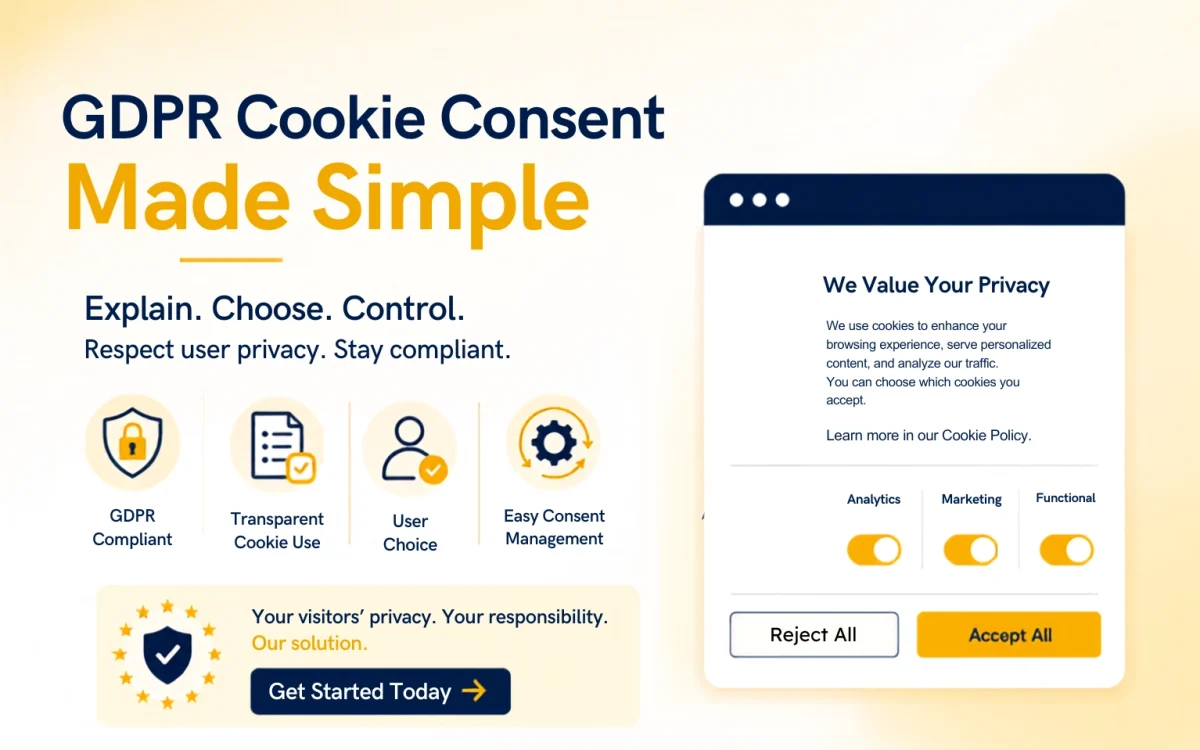
4. Review Your Cookie Consent Banner
Cookies are an important part of website privacy, especially when your site uses analytics, advertising, or other tracking technologies.
Some cookies are necessary for a service a visitor has requested. Others may require consent before they are stored or accessed, depending on the technology and the laws that apply. The GDPR and the EU’s ePrivacy rules work together here, so a cookie banner alone doesn’t guarantee compliance.
Review your website to check which cookies and trackers it uses and when they become active.
Where consent is required, make sure the choice is clear, specific, informed, and freely given. Avoid assuming that visitors agree just because they continue browsing or fail to click a button.
Give visitors a straightforward way to manage their choices and change or withdraw consent later.
Read our cookie consent banner guide for practical design advice, and use our website cookie compliance guide to review the wider picture.
5. Protect the Data You Collect
GDPR compliance includes protecting personal data against unauthorised access, loss, or disclosure.
The measures you need will depend on the type and amount of data you process and the risks involved. Practical steps may include:
- Using strong passwords and multi-factor authentication.
- Limiting access to people who need the information for their work.
- Keeping software and plugins updated.
- Backing up important data securely.
- Checking how external providers protect information.
Think about a small online business with several people accessing customer records. If everyone uses the same account, it becomes harder to control access and work out who made a change.
Individual accounts and appropriate access permissions make that information easier to protect.
You should also have a plan for handling a personal data breach. Some breaches must be reported to the relevant supervisory authority within 72 hours of becoming aware of them, where the GDPR’s reporting conditions are met.
6. Make It Easy for People to Exercise Their Rights
The GDPR gives people several rights over their personal data. Depending on the circumstances, these can include the right to access information, correct inaccurate details, request erasure, restrict certain processing, object to processing, and receive data in a portable format.
Your business should have a clear way to receive and manage these requests.
For example, if a customer asks what personal information you hold about them, your team needs to know where to look, how to verify the request appropriately, and who is responsible for responding.
Under the GDPR, requests generally need to be handled without undue delay and within one month, subject to specific rules and possible extensions.
Don’t wait until the first request arrives to decide who will handle it. Write down a simple process and make sure the people responsible know how to follow it.
7. Review Your Processes Regularly
GDPR compliance isn’t a one-time task. Your website and business will change, and those changes may affect how you use personal data.
A new email marketing tool, checkout integration, analytics platform, or customer form can introduce new data processing activities.
Set a reminder to review your privacy notice, cookie setup, service providers, data retention practices, and security measures. Review them sooner whenever you make a significant change.
Keep records of your decisions and the steps you take. The GDPR’s accountability principle means organisations need to be able to demonstrate compliance, not just say they follow the rules.
Common GDPR Cookie Consent Mistakes to Avoid
A website can have a privacy policy and a cookie banner and still have gaps in its data protection practices.
Watch out for these common mistakes:
Using a generic privacy policy without checking it. A template may not describe the data your business actually collects or the services you use.
Collecting more information than necessary. Every extra field creates another piece of data you need to justify, protect, and manage.
Treating all cookies the same way. Different cookies serve different purposes, and the rules that apply can vary. Review the actual technologies and how they behave.
Assuming consent solves every privacy issue. Consent is one legal basis, not a universal requirement or a substitute for other GDPR obligations.
Ignoring data access and deletion requests. Have a clear process so requests reach the right person and are handled within the applicable time limits.
Never reviewing the setup again. A website that was accurate six months ago may no longer reflect the tools and data practices you use today.
GDPR Cookie Consent Best Practices for Website Owners
| Best Practice | Reason for Implementation |
| Make the cookie banner clear and simple | Use clear and short language to ensure that the visitors easily understand their choices. |
| Offer options for consent | Enable the visitors to consent to or refuse non-essential cookies equally. |
| Block non-essential cookies until consent is given | Block the loading of any analytical, marketing, and advertising cookies until the visitors give permission. |
| Update the cookie banner regularly | Update the cookie banner, cookie policy, and consent mechanism every time there is a change in the website or privacy laws. |
| Keep your cookie policy updated | Always update the cookie policy with regard to the new cookies, technologies, and practices on your website. |
| Value visitor’s privacy | A transparent consent process increases trust and shows how much you respect the visitors’ privacy. |
| Comply with privacy laws | Conforming to GDPR cookie consent requirements will decrease compliance risks. |
| Increase user experience | A good consent banner will improve the browsing experience of the visitors. |
Stay compliant and protect your visitors’ privacy with our easy-to-use Cookie Consent solution. Get started today.
Frequently Asked Questions
You need to process personal data lawfully and transparently, use it for clear purposes, collect only what is necessary, keep it accurate, avoid retaining it longer than needed, protect it appropriately, and be able to demonstrate compliance. The specific actions required depend on your processing activities.
No. A privacy policy helps explain your data practices, but compliance also involves legal bases for processing, data security, people’s rights, retention, processor arrangements, and other obligations that apply to your business.
Not every website needs the same cookie banner. Requirements depend on the cookies and similar technologies used and the laws that apply. Where consent is required, the website needs to collect it properly and respect the visitor’s choice.
Yes. The GDPR can apply to organisations outside the EU when they offer goods or services to people in the EU or monitor their behaviour there. Whether it applies depends on the specific circumstances.
Supervisory authorities can take corrective action and impose administrative fines where the law permits. The potential consequences depend on the nature of the issue, its circumstances, and the applicable rules. Good documentation and practical safeguards can help a business identify and address problems.
